
















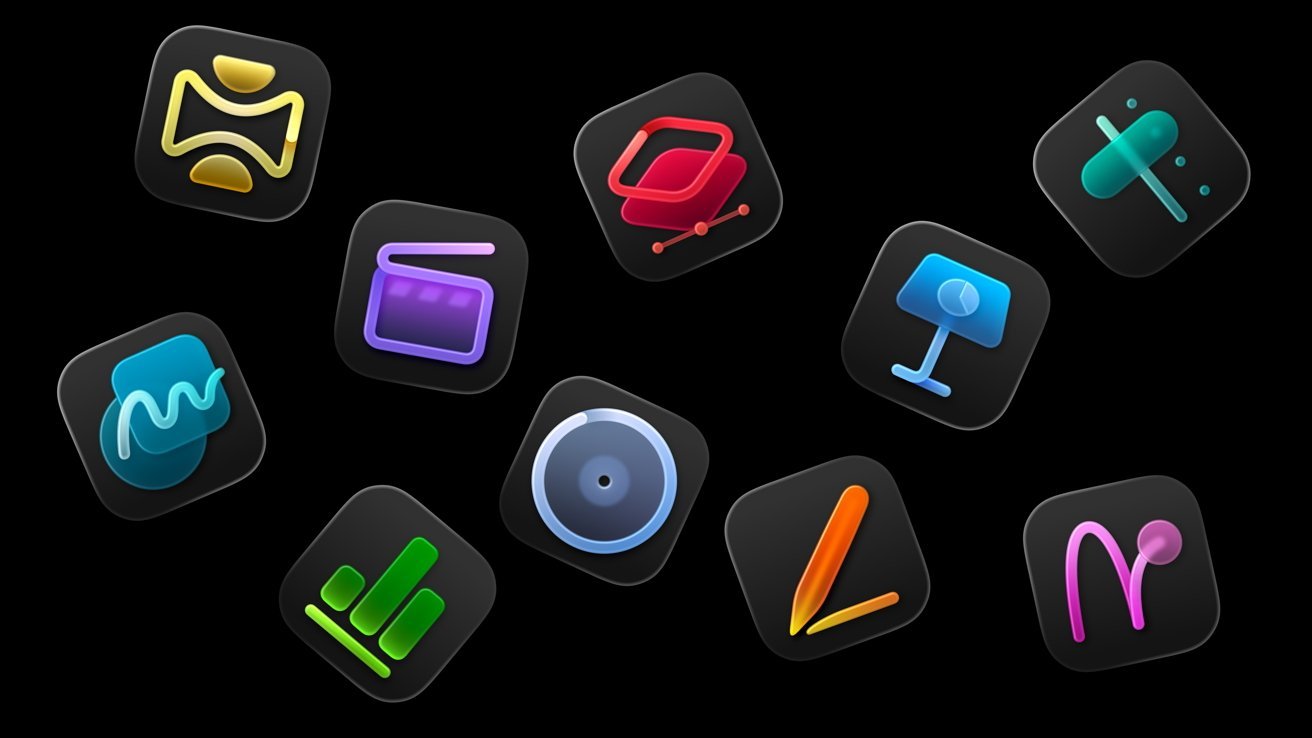
Ezyplugion – Competition in the creative software world is intensifying. Apple is starting to push its creative ecosystem through various apps and technologies often referred to as “Apple Creator Studio,” while Adobe remains a long-time player with its established Creative Cloud suite. The question is: which is truly superior?
Ecosystem vs. Industry Standard
Apple relies on the power of an integrated ecosystem. Tools like Final Cut Pro, Logic Pro, Motion, and Apple Silicon support are designed to work seamlessly in one environment. Everything feels fast, stable, and optimized—especially on Mac devices.
In contrast, Adobe is the global industry standard. Photoshop, Premiere Pro, After Effects, and Illustrator are used by nearly every creative industry, from freelancers to large studios. Adobe’s advantage lies in its cross-platform flexibility and widespread acceptance in the industry.
Performance and Optimization
In terms of performance, Apple has a significant advantage—especially on devices with M-series chips.
- Video rendering in Final Cut Pro tends to be faster.
- Audio processing in Logic Pro is very efficient.
- Hardware-software integration makes workflows lighter.
Adobe continues to optimize its software, but because it has to run on a wide variety of devices, its performance is sometimes not as efficient as Apple’s on the Mac.
Ease of Use
Apple is known for its user-friendly approach. The interface is simpler and easier to learn, making it suitable for:
- Beginner creators
- Content creators
- YouTubers and podcasters
Meanwhile, Adobe offers much more complex features. The learning curve is steeper, but:
- More flexible
- More detailed for professional needs
Features and Flexibility
Adobe excels in features and integration between applications:
- Photoshop for advanced photo editing
- After Effects for complex motion graphics
- Illustrator for professional vector design
Apple is indeed strong in video and audio, but:
- Its application selection is more limited
- It lacks flexibility for complex graphic design needs
- Pricing and Subscription Models
This is one of the most noticeable differences.
Apple: one-time purchase, no subscription
Adobe: monthly/annual subscription-based
In the long run, Apple can be more economical. However, Adobe offers regular updates and access to the entire ecosystem in one package.
Collaboration and Industry
Adobe excels in collaboration:
- Industry-standard file formats
- Easily share projects across teams
- Widely used in agencies and enterprises
Apple is better suited for individual use or small teams working within the Mac ecosystem.
Conclusion: Which One to Choose?
There’s no absolute answer, as it all depends on your needs:
Choose Apple Creator Studio if:
- You’re using a Mac (especially Apple Silicon)
- Focus on video, audio, and digital content
- You want fast, lightweight, and easy-to-use software
Choose Adobe if:
- You need industry standards
- You’re working on complex, cross-media projects
- You’re working in a team or professional environment
Ultimately, Apple excels in efficiency and experience, while Adobe remains strong in flexibility and industry dominance.