















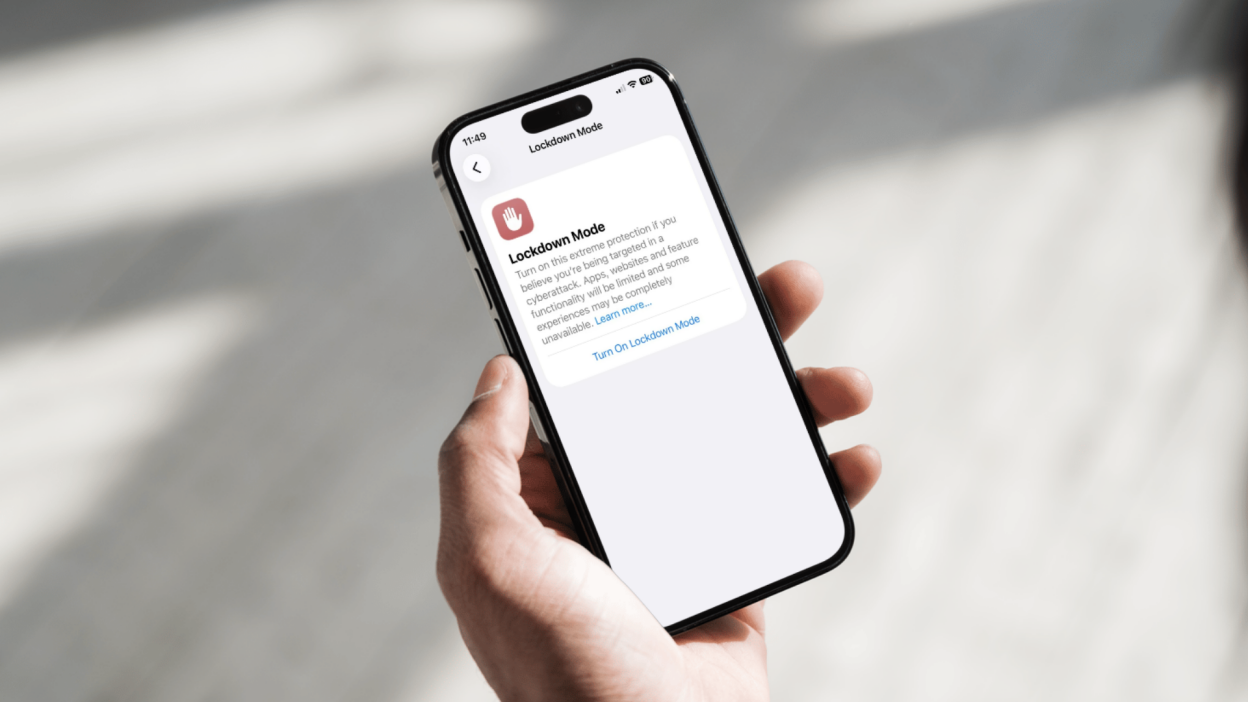
Ezyplugion – Lockdown Mode is a high-level security feature designed to protect devices from sophisticated cyberattacks. This feature was introduced by Apple for iPhone, iPad, and Mac as an extra layer of protection for high-risk users, such as journalists, activists, or professionals who are potential targets of digital attacks.
While intended for special cases, Lockdown Mode can also be activated by general users who want an additional layer of security.
What Does Lockdown Mode Do?
When activated, Lockdown Mode limits several features on the device to reduce security vulnerabilities. Some of the changes include:
- Messages: Certain attachments are blocked, especially those that could potentially carry malware
- Browsing (Safari): Complex web technologies are disabled to prevent exploitation
- FaceTime: Calls from contacts you haven’t previously contacted are blocked
- Profiles and configuration: Installing new profiles is restricted
- Wired connections: Data access via cable (USB) is restricted while the device is locked
The primary goal of this feature is to minimize the risk of exploitation of unknown (zero-day) security vulnerabilities.
How to Enable Lockdown Mode on iPhone and iPad
To enable Lockdown Mode on iOS or iPadOS, follow these steps:
- Open Settings
- Go to Privacy & Security
- Scroll down and select Lockdown Mode
- Tap Enable Lockdown Mode
- Confirm your selection, then restart your device
Once your device restarts, Lockdown Mode will be active.
How to Enable Lockdown Mode on a Mac
If you’re using a Mac, the steps are nearly identical:
- Open System Settings
- Select Privacy & Security
- Find the Lockdown Mode option
- Click Enable
- Restart your Mac
When Should You Use This Mode?
Lockdown Mode isn’t designed for everyday use by everyone. Due to the many feature restrictions, the user experience can feel more limited than usual.
However, this feature is especially useful if:
- You feel you’re the target of a digital attack
- Working with sensitive data
- Provides extra protection when traveling or on public networks
Pros:
- Maximum protection against advanced threats
- Reduces the risk of exploiting security vulnerabilities
- Easy to activate without additional applications
Cons:
- Limits certain device functions
- Some websites or apps may not work properly
- Less practical for everyday use
- Conclusion
Lockdown Mode is an advanced security feature that provides extra protection for users at high risk of cyberattacks. By limiting certain features, Apple is attempting to close loopholes often exploited by hackers.
While not mandatory for everyone, understanding and knowing how to enable it can be a crucial step in maintaining data security in today’s digital age.