















Opera GX has finally officially arrived on Linux. The browser, long synonymous with gamers on Windows and macOS, is now making its way to Linux users—and bringing a number of its flagship features with it.
This arrival is quite surprising, considering that Opera GX has been available on other platforms for years, but it’s only now making its way to Linux. However, Opera claims that community requests have been surfacing for a long time, particularly on forums, Discord, and Reddit.
“Gamer” Browser Now Available on Linux
Opera GX is known as a browser designed specifically for gamers. Beyond its futuristic appearance, this browser offers performance controls rarely found in other browsers.
According to Maciej Kocemba, Product Director of Opera GX, the expansion to Linux is a relevant step given the current development of the gaming ecosystem.
“PC gaming has long been synonymous with a single platform, but that’s starting to change. By bringing GX to Linux, users can control resources, adjust settings, and maintain system performance according to their needs,” he said.
This move also opens up new opportunities for Linux gamers and developers who want a more flexible browsing experience without sacrificing performance.
GX Control Becomes a Key Weapon
One of the most prominent features in Opera GX is GX Control. This feature allows users to manage RAM and bandwidth usage directly from the browser.
This means users can limit how much resource Opera GX uses to prevent it from interfering with other applications—for example, games or heavy software running concurrently.
Unlike more complex system settings, GX Control is quickly and easily accessible. This is a plus, especially for Linux users who want complete control over their devices.
Practical Sidebar for Twitch & Discord
Opera GX also features sidebar integration for popular services like Twitch and Discord. With this feature, users can combine streaming or chatting without having to open multiple tabs or additional applications.
While not a mandatory feature, this sidebar is quite helpful for users active in the gaming community.
Extreme Customization for Gamers
One thing that sets Opera GX apart is its level of customization. This browser supports themes, sound effects, and even visual mods through GX Mods.
Users can customize the browser’s appearance to their liking, from colors to interaction effects. Although not everyone needs this feature, for gamers, the visual aspect is often a major attraction.
Secure Privacy with Ad Block & VPN
Opera GX also comes with built-in privacy features. This browser has ad and tracker blocking enabled by default, ensuring a cleaner and safer browsing experience.
In addition, an optional free VPN with a zero-log policy is available. Opera claims this service has been independently audited, providing added peace of mind for users.
Opera also emphasizes that it does not collect browsing history, searches, or user input data.
Linux Support and Installation
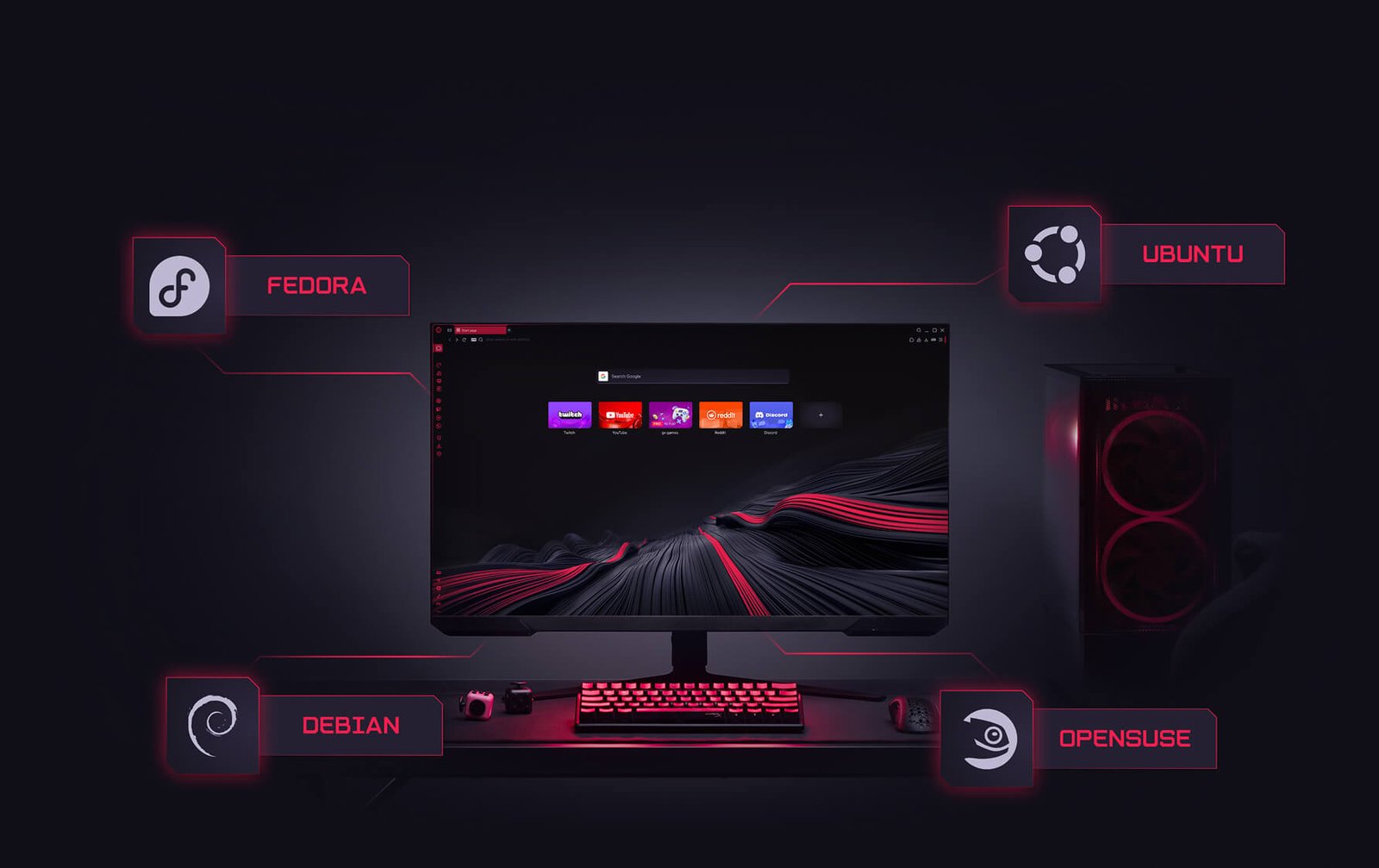
Initially, Opera GX supports several popular Linux distributions, including Debian, Ubuntu, Fedora, and OpenSUSE.
Installation can be done via the following packages:
.deb for Debian/Ubuntu
.rpm for Fedora/OpenSUSE
Opera also confirmed that Flatpak support is under development, which will simplify installation on more Linux distributions.
Too Late or Just in Time?
While it may seem late, the arrival of Opera GX on Linux could be a timely move. Linux’s popularity among developers and gamers continues to grow, especially with the support of Proton and Steam Deck.
Now, Linux users have an alternative browser that’s not only lightweight but also offers unique performance controls and gaming features.
The entry of Opera GX into Linux isn’t just a platform expansion, but also a signal that the Linux market is gaining traction—especially in the gaming world.
With features like GX Control, an ad blocker, and a built-in VPN, this browser offers a complete package for users who want performance, privacy, and customization all in one application.
The question is, will Opera GX become the new favorite browser on Linux, or just a niche alternative for a select group?